Record with one tap
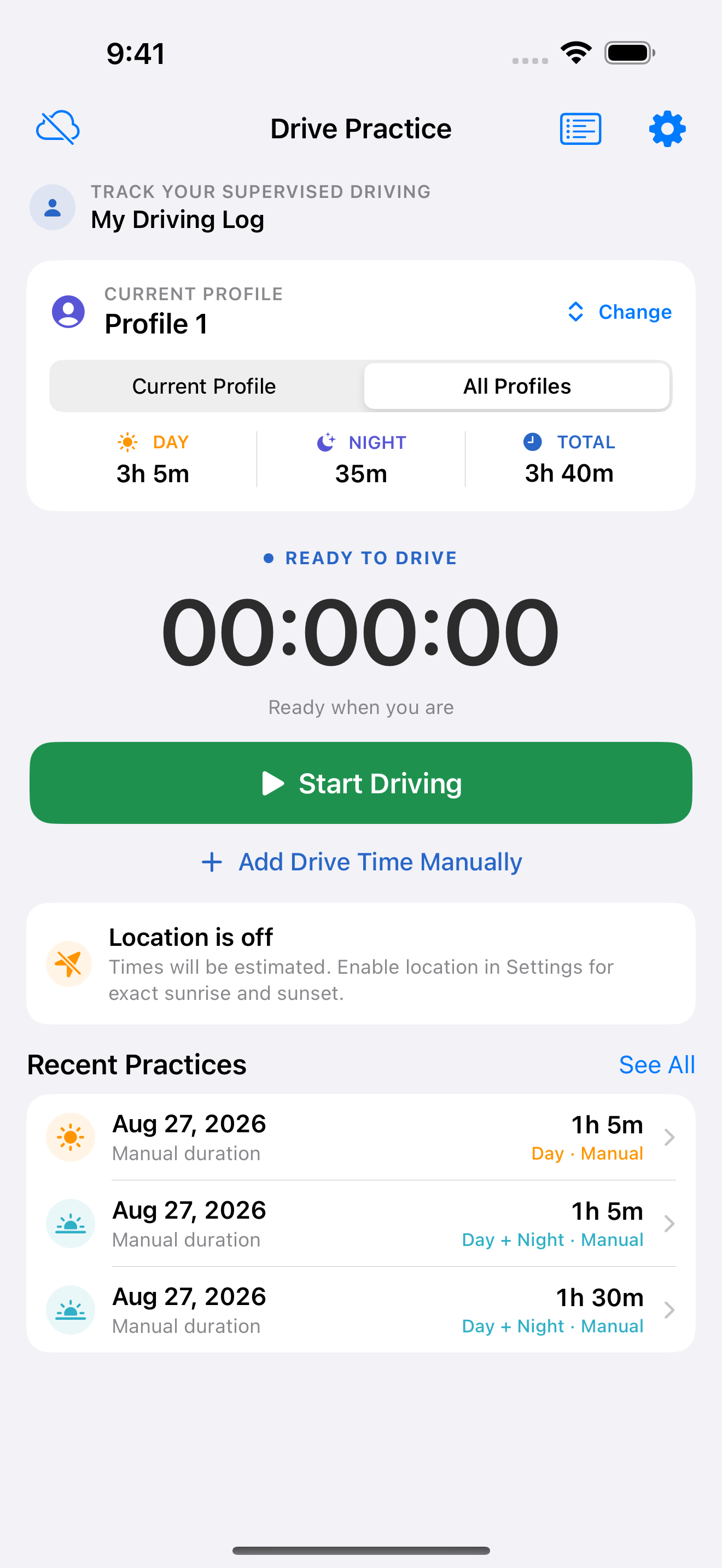
Tap Start Driving when practice begins. The running timer and accumulated totals stay easy to understand.
A simple driving-practice log
Drive Practice is an easy utility for driving learners—especially teenagers—and the families supervising them. Tap once to time a drive, add missed practice manually, and see day, night, and total hours in one clear record.
Built for the whole learning journey
A simple log can remove the end-of-week guesswork. Drive Practice keeps the details organized so learners and supervising drivers can see progress, notice gaps, and plan the next drive with purpose.
Tap Start Driving when practice begins. The running timer and accumulated totals stay easy to understand.
When Location is enabled, local sunrise and sunset help divide practice into more meaningful day and night totals.
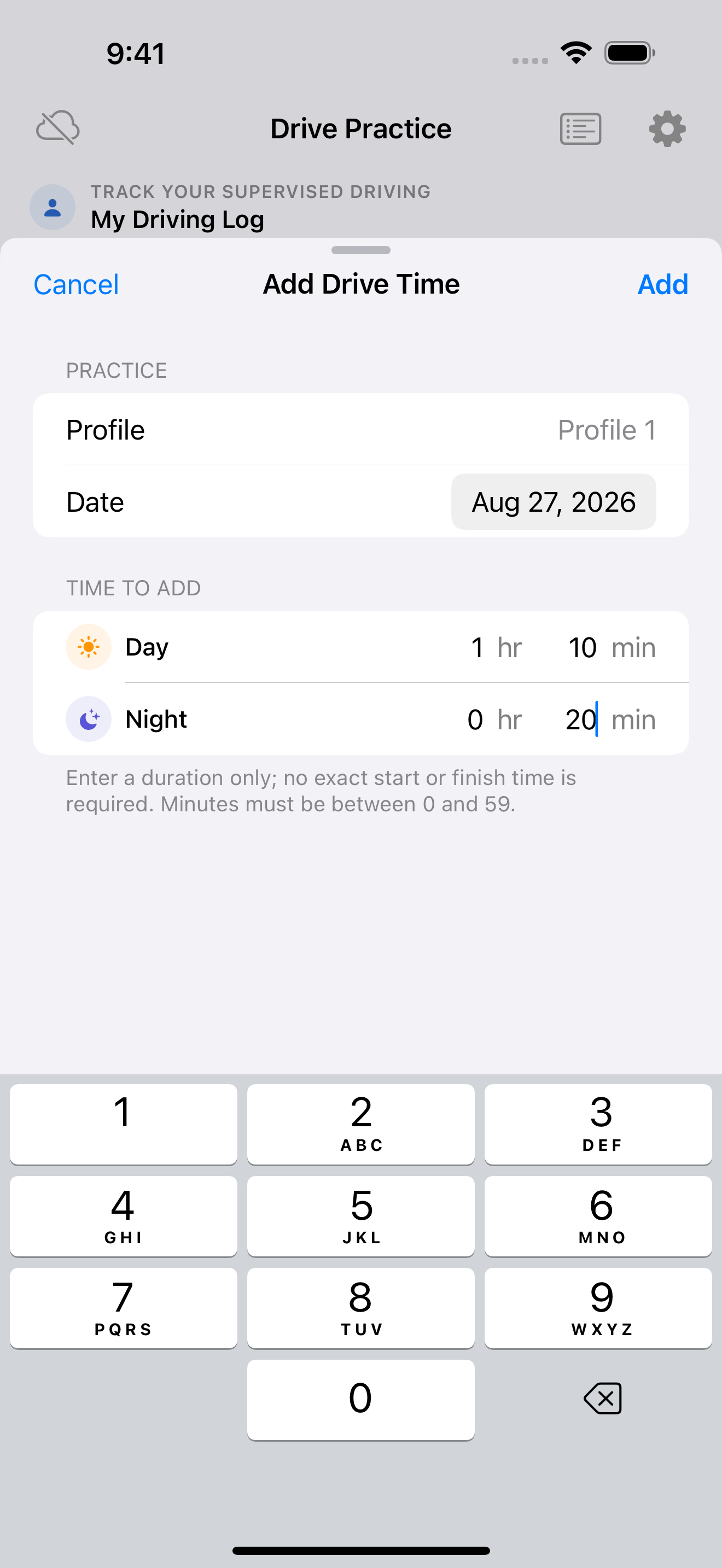
Add earlier practice manually, including the date and separate day and night durations—no need to abandon a complete record.
Create multiple profiles, each with its own totals and session history. It is ideal for households supporting more than one learner.
Use the app entirely on-device, or enable private iCloud sync and invite family members to a shared log when collaboration helps.
Optional beacon-assisted Auto Detect can start and stop a provisional recording in the background, then wait until after the drive for review.
An optional step up
Install and pair a compatible beacon, enable Auto Detect, and grant the required permissions. Drive Practice can then handle a qualifying drive in the background without interrupting the learner.
Beacon and vehicle evidence start a provisional recording automatically.
Notifications and Live Activity are informational. No start, confirmation, or stop interaction is needed while driving.
After the drive ends, add the session to the practice log or discard it.
The important benefit: the learner can leave the phone alone throughout the supervised drive.
A record you can actually use
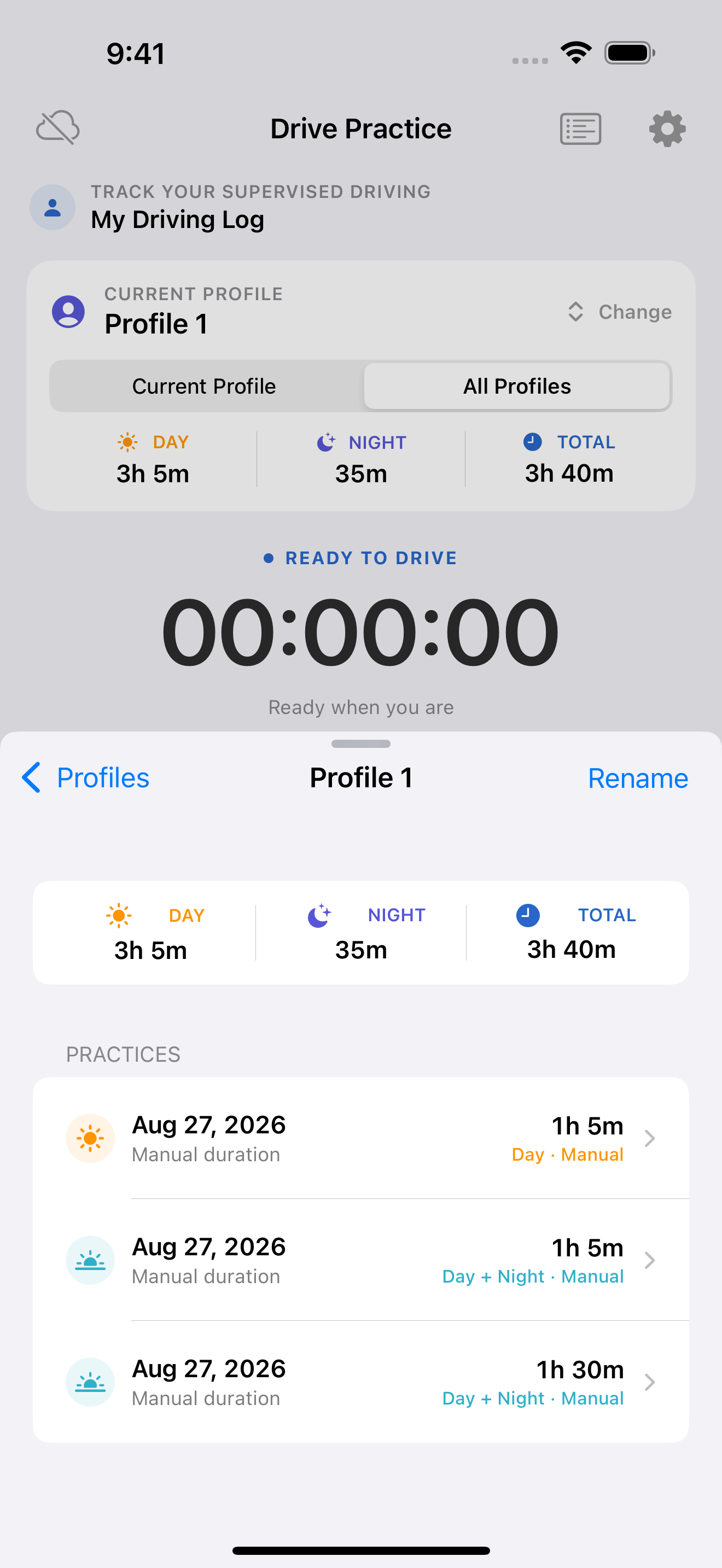
Every session becomes part of a clear history. That makes it easier to celebrate consistency, balance daytime and nighttime experience, and talk about what to practice next.
Simple by design
Keep one learner or several organized with individual profiles and histories.
Start the timer for a live drive, or enter an earlier duration manually.
See day, night, and overall totals, then open the history for session details.
Privacy should be the default
Drive Practice has no third-party advertising or analytics SDKs and does not track you across apps or websites. Use it locally without creating an account; iCloud sync and sharing are optional.
Drive with a clearer plan
Drive Practice is prepared as a free utility for iPhone and iPad.